From sign-up to your first direct booking.
Seven steps, all on your phone. Setting up takes about ten minutes.
Create your free account
Sign up with your email and business name. No card, no paperwork. Your first apartment is free on the Starter plan.
Add your apartment
Name, area, photos, amenities, nightly and weekend prices, cleaning fee and caution fee. It takes about two minutes, and you can change anything later.
Put Hostvale on your home screen
Add it from Safari or Chrome so it opens like an app, then turn on lock-screen alerts so you never miss a booking request.
See the install stepsAdd your existing bookings
Enter the guests you already have, or paste your Airbnb and Booking.com calendar links. From now on, nobody can book the same night twice.
Share your booking link
Put your Hostvale booking website in your Instagram and TikTok bio, your WhatsApp Business profile and your WhatsApp Status. Guests see live free dates and the full price before they message you.
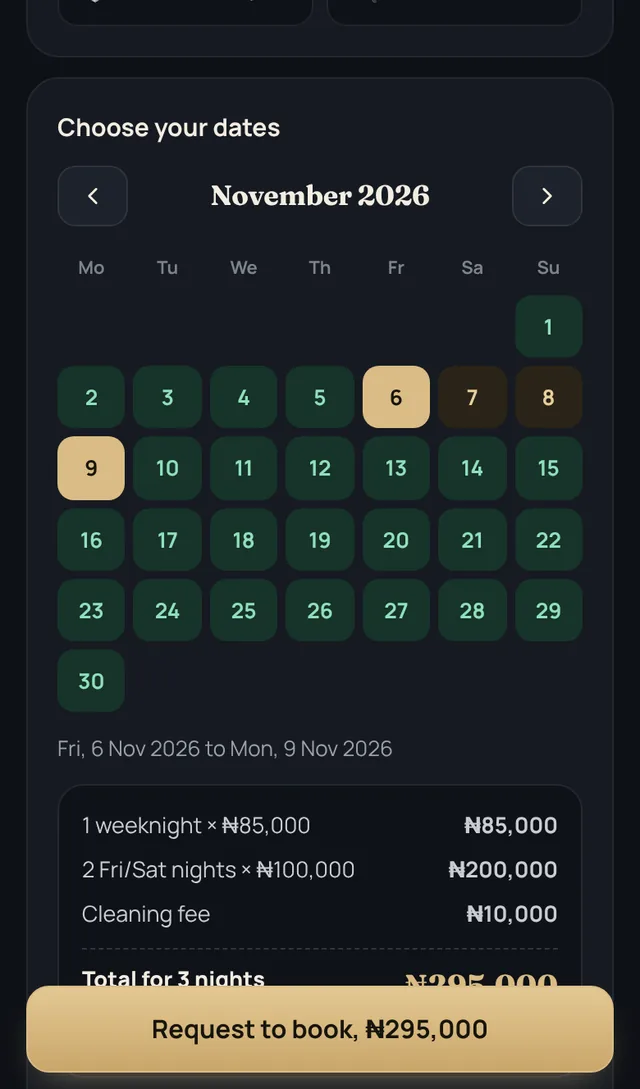
Accept, confirm and get paid
Accept a request in one tap. Hostvale writes the confirmation with your bank details and the guest pays you directly. Record each payment and the balance updates itself.
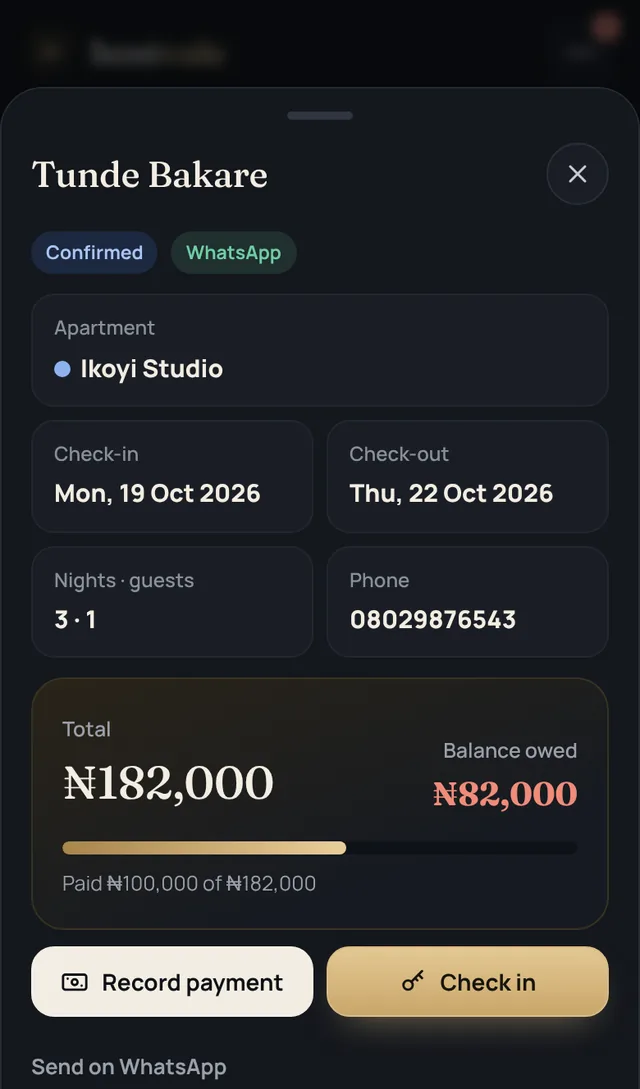
Check guests in and out
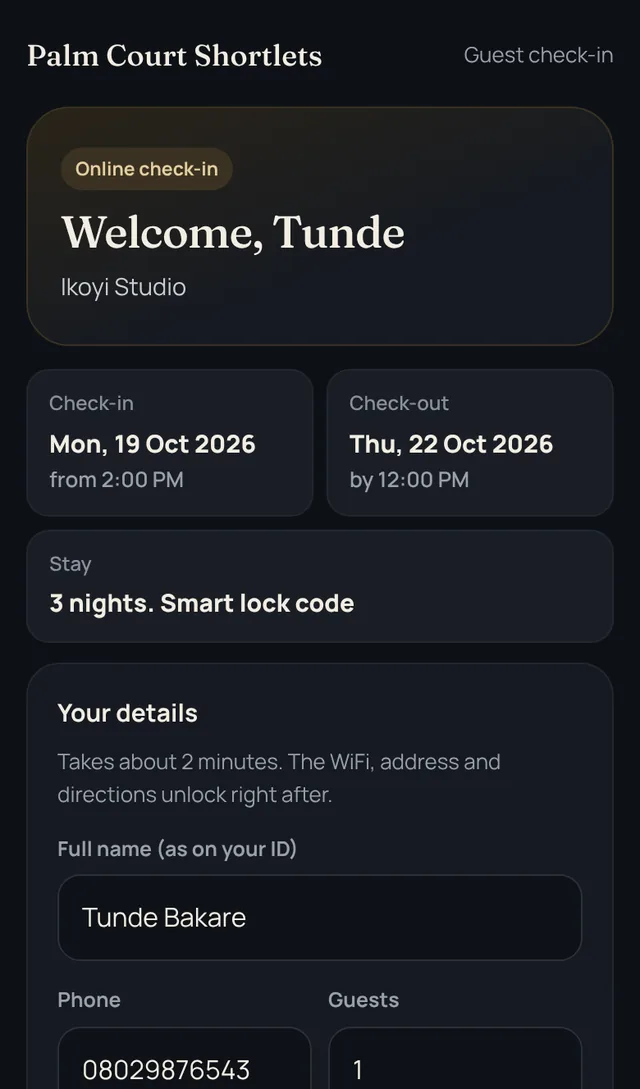
Send the online check-in link. After check-out, a cleaning job is created and you refund the caution fee with a clear breakdown.
Ready for step one?
Free for one apartment. No card needed.